
10 Best Laptops Under $1000 in 2025 – Powerful, Affordable, and Worth Your Money
Affiliate Disclosure: Some links are affiliate links. If you buy through them, we may earn a commission at no extra cost to you. We only recommend products we genuinely believe offer great value under $1000.
Buying a laptop in 2025 doesn’t have to drain your wallet. The truth is, you can still get excellent performance, battery life, and build quality for under $1000 — if you know where to look. Below are the 10 laptops that strike the best balance of power, portability, and price right now.
⚡ Quick Picks for 2025

Amazon
Best Overall: Acer Swift X
Lightweight power for work, school, and light creative tasks.
Everyday + CreativeBuy on Amazon

Amazon
Best for Students: HP Pavilion 15
Affordable, reliable, and ready for classes and Zoom.
Student PickGrab It on Amazon

Amazon
Best Gaming: ASUS TUF F15
Entry-level gaming without the $2,000 price tag.
GamingCheck Price on Amazon

Amazon
Best for Creators: MacBook Air M1
Still buttery-smooth with excellent battery life.
CreatorsSee Latest Price

Amazon
Best Budget: Lenovo IdeaPad Slim 5
Everyday reliability that often dips well below $700.
BudgetCheck Price on Amazon
Tip: Amazon deals are dynamic. If a configuration is slightly over $1000 today, check different RAM/SSD options — many fall under $1000 regularly.
📊 Comparison Table
| Laptop | Best For | Weight (approx.) | Battery (claimed) | Why It Stands Out | Amazon |
|---|---|---|---|---|---|
| Acer Swift X | Everyday + light creative | ~3.0 lb | All-day | Strong performance in a slim body | Check price |
| HP Pavilion 15 | Students, home office | ~3.8 lb | Workday | Great value & availability | Check price |
| ASUS TUF Gaming F15 | Entry gaming | ~4.9 lb | Hours (gaming) | Durable chassis, dedicated GPU | Check price |
| MacBook Air M1 | Creators, everyday | ~2.8 lb | Excellent | Superb efficiency & build | Check price |
| Dell Inspiron 14 | Work & travel | ~3.2 lb | Workday | Comfortable keyboard, bright screen | Check price |
| Lenovo IdeaPad Slim 5 | Budget everyday | ~3.1 lb | Good | Often best price-to-performance | Check price |
| Microsoft Surface Laptop Go 3 | Ultra-portable | ~2.5 lb | Good | Premium feel at lower cost | Check price |
| ASUS VivoBook 15 | Big screen value | ~3.8 lb | Good | Nice display size, ports | Check price |
| Acer Aspire 5 | Everyday tasks | ~3.9 lb | Good | Consistently affordable configs | Check price |
| Samsung Galaxy Book3 | Travel & media | ~2.9 lb | Good | Thin, light, vibrant screen | Check price |
🏆 The 10 Best Laptops Under $1000 in 2025 (Full Reviews)
1) Acer Swift X — Best Overall
The Swift X hits that rare sweet spot: fast enough for serious multitasking and light creative work, yet slim and light for daily carry. Expect snappy app launches, smooth Chrome tab jungling, and dependable battery life for a full workday.
Pros
- Powerful for the weight
- AMD Ryzen™ 5000 Series Mobile Processors
- Unleashed Gaming Performance
- Fingerprint Reader
- All-day battery in typical use
- Great value under $1000
Cons
- Speakers are just okay
- Webcam quality is average

Amazon
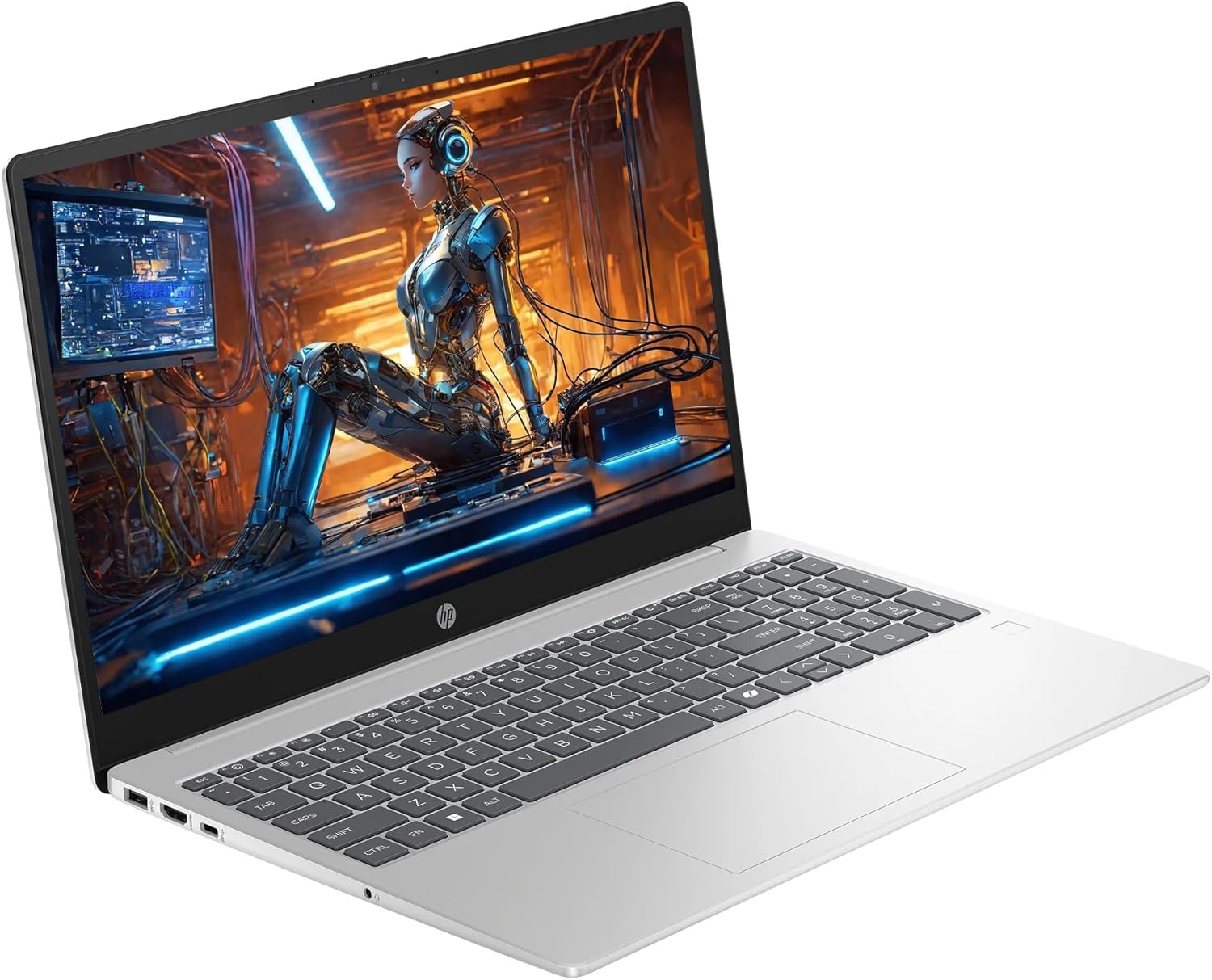
2) HP Pavilion 15 — Best for Students
Reliable, good-looking, and widely available. The Pavilion 15 is ideal for documents, research, Zoom, and streaming. Pair it with a cheap USB-C hub and you’ve got a flexible campus setup.
Pros
- Strong everyday performance for the price
- Comfortable keyboard for long typing sessions
- Easy to find configurations under $800
Cons
- Not built for heavy gaming
- Screen brightness varies by model
Amazon
3) ASUS TUF Gaming F15 — Best Budget Gaming
The TUF F15 brings dedicated graphics and a tougher chassis at a price that frequently dips below $1000. Expect smooth play in popular esports titles and competent performance in creative apps that benefit from a GPU.
Pros
- Dedicated GPU for gaming and edits
- Durable build with good cooling
- RGB keyboard flair
Cons
- Heavier than ultrabooks
- Battery drains quickly under load

Amazon
4) Apple MacBook Air M1 — Still a Standout
Despite its age, the M1 Air remains whisper-quiet, efficient, and smooth for everyday tasks and light creative work. If you want the Mac experience under $1000, this is the one that keeps delivering.
Pros
- Excellent battery life
- Premium build and trackpad
- Silent fanless design
Cons
- Limited ports (get a hub)
- Base storage may be tight for some

Amazon
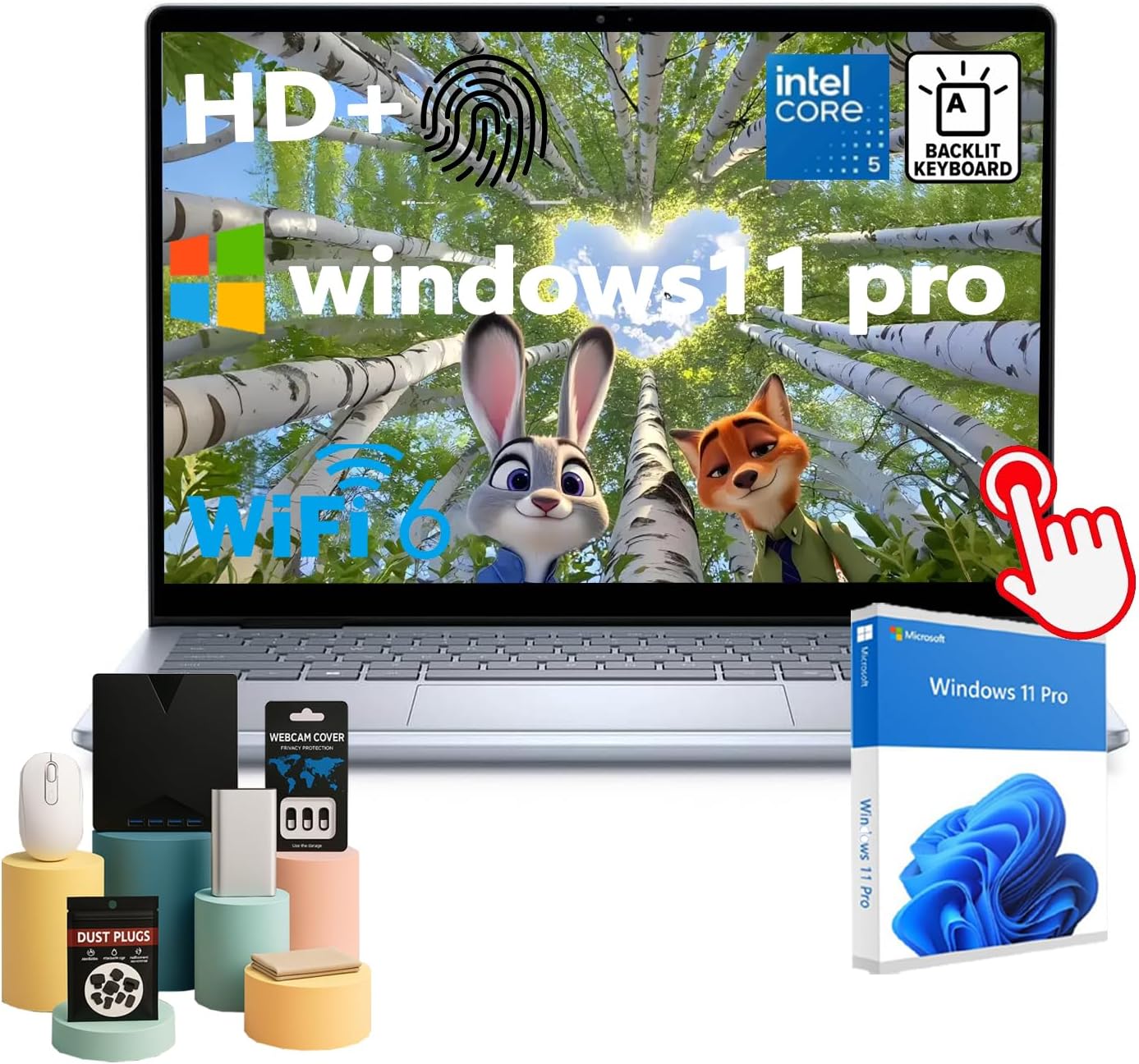
5) Dell Inspiron 14 — Work & Travel Companion
Compact, comfortable to type on, and with bright panel options, the Inspiron 14 is a practical choice for commuters and remote workers who prioritize productivity and portability.
Pros
- Comfortable keyboard & touchpad
- Respectable battery for office use
- Solid port selection
Cons
- Speakers are modest
- High-end configs can cross $1K
Amazon
6) Lenovo IdeaPad Slim 5 — Best Budget Value
Excellent day-to-day performance at a friendly price. If you just need something dependable for work, study, and streaming — this is a frequent best-buy under $700.
Pros
- Great value configurations
- Comfortable typing experience
- Often lightweight for its class
Cons
- Screen brightness can vary by model
- Basic speakers

Amazon
7) Microsoft Surface Laptop Go 3 — Ultra-Portable Pick
Sleek and travel-friendly, the Laptop Go 3 offers a premium look and feel at a lower cost. Perfect if you value portability and a clean Windows experience.
Pros
- Lightest option here
- Premium design and build
- Great for writing and meetings
Cons
- Smaller display
- Not for heavy workloads

Amazon
8) ASUS VivoBook 15 — Big Screen Value
If you prefer a larger display for multitasking and movies, the VivoBook 15 gives you screen real estate and a comfortable keyboard at an aggressive price point.
Pros
- 15-inch screen for less money
- Plenty of ports
- Good everyday speed
Cons
- Heavier than 14-inch rivals
- Color accuracy varies by panel

Amazon
9) Acer Aspire 5 — Everyday Hero
One of the most consistent budget lines, the Aspire 5 covers docs, browsing, streaming, and light editing with ease. A smart first laptop or dependable family machine.
Pros
- Usually the lowest price for solid specs
- Upgradable on many models
- Good port selection
Cons
- Design is utilitarian
- Trackpad feel can be basic

Amazon
10) Samsung Galaxy Book3 — Thin, Light, Vibrant
Travel-friendly and stylish with a vibrant screen. Ideal for students and professionals who want a slim Windows laptop that looks and feels premium without crossing $1000.
Pros
- Thin and lightweight
- Vivid display for media
- Good battery for travel days
Cons
- Audio lacks depth
- Limited high-end configs under $1K

Amazon
🛠 How to Choose the Right Laptop Under $1000 in 2025
1) CPU & RAM (Speed & Multitasking)
Look for modern mid-tier processors (e.g., Intel Core i5/i7, AMD Ryzen 5/7) and at least 8GB RAM — 16GB is ideal if you keep many tabs/apps open.
2) Storage (SSD Only)
Choose SSD storage for fast boot and app launches. 256GB is usable; 512GB is the comfortable sweet spot for most people.
3) Display Quality
Go for Full HD (1920×1080) or better. If you work outdoors or under bright lights, prioritize a brighter panel spec when available.
4) Battery Life
Claimed battery numbers vary by brand and workload. If mobility matters, favor models known for “all-day” endurance and consider lowering screen brightness on the go.
5) Weight & Build
If you carry your laptop daily, aim for ~3 lbs. Sturdier builds feel better and survive longer — a win for your wallet.
6) Ports & Upgrades
USB-C is a must; HDMI and USB-A are useful. Some models allow RAM/SSD upgrades — great for extending lifespan on a budget.
7) Timing Your Purchase
Deals fluctuate. Watch for major sale events (e.g., Prime Day, Black Friday) and compare multiple configurations of the same model — small spec changes can keep you under $1000.
✅ Final Thoughts
If you want the safest all-around choice, pick the Acer Swift X. Students should look hard at the HP Pavilion 15. For gaming, the ASUS TUF F15 punches above its price. And if you want a premium feel with superb efficiency, the MacBook Air M1 still delivers in 2025.
Pro tip: Prices on Amazon move quickly. If you spot one of these under $1000 today, grab it before it jumps back up.

Top 5 Benefits of the Amazon Echo 4th Gen You Shouldn’t Miss
A Bold New Design
The most noticeable change is the new spherical design. It’s a big departure from previous models, and it’s definitely polarizing – some people love it, others don't. It’s a clean look, but let’s be honest, it looks like a ball. This new shape is 5.7 inches wide and 5.2 inches tall, compared to the 3rd gen Echo which was 3.9 inches wide and 5.8 inches tall. The build is solid with a heavy-duty plastic and mesh fabric. The buttons are on the back, which keeps the look clean but might be less convenient. The light ring is now at the base, which Amazon says makes it more visible when placed on a surface, though it might be harder to see in bright rooms.
Amazon
Upgraded Internals
This new Echo features Amazon's first custom processor, the AZ1, designed to speed up machine learning. While the full benefits of this processor, especially with a new neural speech recognition model, will be seen later this year, it’s built to make Alexa more responsive. The AZ1 also allows some tasks to be processed directly on the device, rather than sending data to the cloud and back.Key Takeaways
- New Design: Spherical shape, polarizing but potentially better for sound.
- AZ1 Processor: Custom chip for faster, on-device processing.
- Built-in Hub: Integrates Zigbee, BLE, and Sidewalk for smart home control.
- Improved Sound: Front-firing speakers, spatial audio, and Dolby processing.
- Low Power Mode: Focus on energy efficiency and sustainability.

Amazon
The Integrated Smart Home Hub
For the first time, the Echo includes a built-in Zigbee hub. Previously, you’d need an Echo Plus for this feature. This means you can directly pair Zigbee devices like motion or door sensors. You can also connect devices using Bluetooth Low Energy (BLE), a low-power option for devices like smart bulbs. A significant addition is the Sidewalk bridge, a new protocol using a 900 MHz spectrum for low-bandwidth, low-power devices that can connect from up to half a mile away. This could be key for connecting devices across neighborhoods.Sound That Fills the Room
The redesign includes front-firing speakers for the first time, featuring 2.8-inch tweeters and a 3-inch woofer. Amazon states the new shape improves speaker placement and sound projection for better stereo and spatial audio. It offers clearer highs, dynamic mids, and deep bass, sounding great for its $99 price point. It even includes spatial audio that tunes music to your room's acoustics. There’s a 3.5mm jack for input or output, and it supports Bluetooth streaming. Comparing it to the 3rd gen Echo, the new model offers more noticeable bass and crisper highs, providing a fuller sound experience.Focus on Sustainability
Amazon is also introducing a low power mode to reduce the Echo's energy consumption when idle. They are committed to improving their carbon footprint, using 100% post-consumer recycled fabric, 100% recycled die-cast aluminum, and 50% post-consumer recycled plastics. Amazon is even building solar farms to offset the power used by these devices, which is a pretty big commitment to sustainability.Where to Buy the Echo 4th Gen
Interested in trying the Amazon Echo 4th Generation for yourself?
🛒 Buy the Amazon Echo (4th Gen) on Amazon
Disclosure: This article contains affiliate links. If you purchase through them, I may earn a small commission at no extra cost to you.
Overall, the new Echo 4th generation is a solid update, especially with its improved sound and the integrated smart home hub. While the spherical design might not be for everyone, the performance and features make it a compelling choice. If you're looking for a great speaker for music or a central hub for your smart home, this is definitely worth considering.